
A website can look the same after a framework migration while search engines and other automatic readers receive different information. A page title might arrive later, or a missing page might return a response that says the request succeeded.
The migration discussed here changes the underlying technology stack while keeping the public URLs the same. Even without changing addresses, the way pages are delivered can affect crawling, indexing and link previews.
For a growth product manager, the practical question is: will the new website still give each important crawler the information it needs? Checking the page’s appearance is only part of that assessment.
Cloudflare’s release of Vinext 1.0 on 28 September 2026 makes this timely for teams considering a move from Next.js. Compatibility claims provide a starting point; acceptance still needs to be checked on your own pages.
When are these extra checks worthwhile?
There are three common ways to deliver a page:
| Approach | Where it fits | Main trade-off |
|---|---|---|
| Static site generation (SSG): prepare pages ahead of visits | Blogs, portfolios, documentation and relatively stable landing pages | Fast, simple delivery. Fresh information needs regeneration or an additional request from the browser. |
| Fully blocking server-side rendering (SSR): prepare the complete initial page when requested | Pages needing current or visitor-specific information | Fresh content at the time of the request, but a slow data source can delay the whole initial page. |
| Streaming SSR: send ready sections while other sections are still being prepared | Public product or booking pages combining readily available content with slower information | Useful content can appear earlier, but metadata and error handling need closer attention. |
Streaming is a form of SSR. Its benefit is that one slow section does not have to hold up everything else. Next.js explains this delivery model.
Fully blocking SSR controls the initial page load. Once loaded, JavaScript can update the page without a full reload through polling, which checks periodically, or through WebSockets and server-sent events, which deliver updates over an open connection. SSR alone does not keep the displayed page updated. That requires an additional live-update mechanism.
SSG can also support fresh information through browser-side data fetching. These approaches can serve many of the same websites. The choice depends on freshness, loading experience and maintenance cost.
For a straightforward blog or portfolio, static HTML or SSG is usually sufficient. Basic SEO checks still matter. The detailed checks below become especially useful when a migration involves streaming or changes to how crawlers receive pages.
For Example
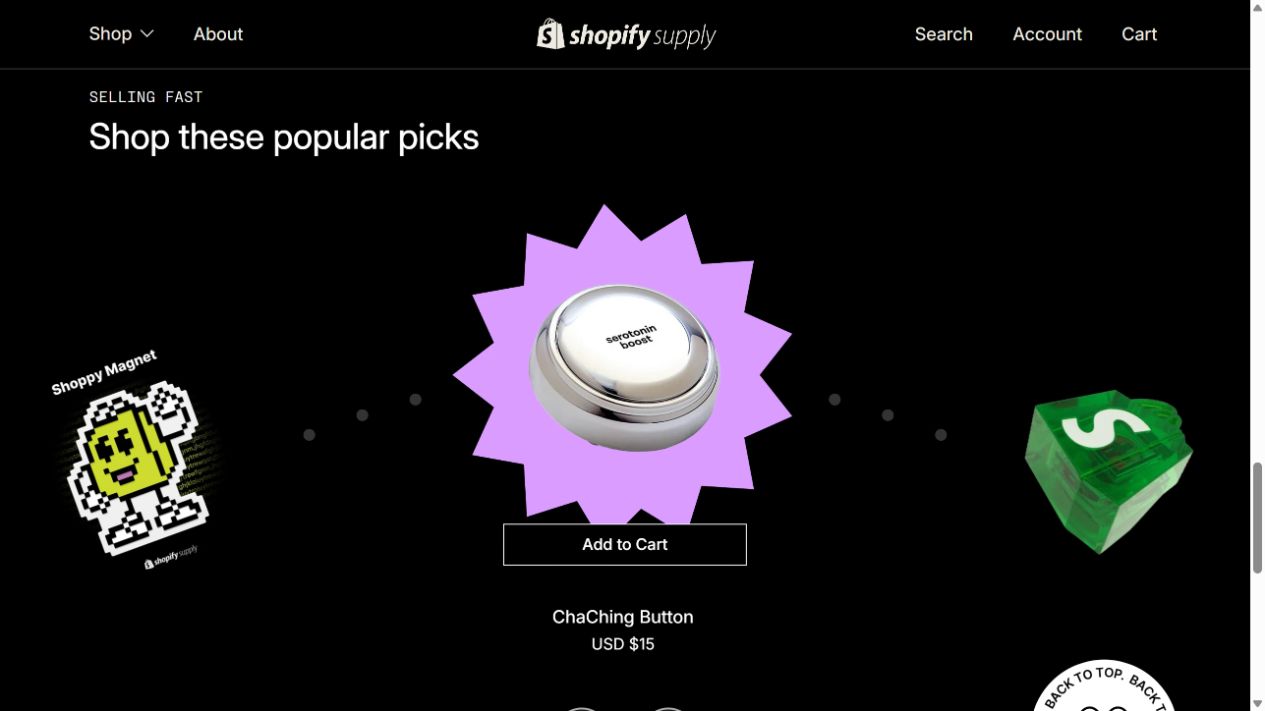
Shopify Supply provides an example. A Codex-assisted inspection on 5 October 2026 found this sequence in its homepage response:
- The earlier HTML contained placeholders for the cart and best-seller sections.
- Later HTML contained the server-rendered sections and instructions to replace those placeholders.
Because the replacement content arrived in the server’s HTML response, this is direct evidence of streaming SSR.

Shopify describes the framework’s development in How We Built Hydrogen. Its current Hydrogen documentation explains how essential content can load first while other content streams in later.
For a storefront using this approach, a migration needs to preserve what crawlers receive as well as what shoppers see. The following Next.js behaviors show what to check; other frameworks need their own verification.
1. Metadata: does each crawler receive the right information?
Metadata includes the page title, description, preferred URL and information used in social previews.
With streaming, metadata can arrive after visible content. Next.js handles different automatic readers differently:
- Googlebot can execute JavaScript and inspect the completed page. Next.js documents support for streamed metadata in this case.
- Facebook’s link-preview crawler,
facebookexternalhit, needs metadata in the opening HTML. Next.js waits for that metadata and places it inside<head>before sending page content.
The requirement is therefore more specific than “the page has a title.” Each required crawler must receive the correct information in a form it can use. Next.js metadata documentation.
For GEO, OAI-SearchBot is particularly relevant because it discovers websites for ChatGPT search. OpenAI distinguishes it from GPTBot, which collects content for model training, and ChatGPT-User, which can visit pages in response to a user’s request, such as asking ChatGPT to browse a link. OpenAI’s crawler documentation explains these roles. Search crawling does not mean every page is fetched in real time for each question.
Vercel and MERJ’s December 2024 research found that these three automatic readers did not execute JavaScript when reading external pages. This is an observed limitation, not a permanent guarantee of their current behavior. SEO/GEO managers should check that essential content and metadata are present in the HTML response without depending on JavaScript execution. The research does not establish that these crawlers require metadata before </head> or ignore later sections of a streamed response.
How to check manually
In Chrome, right-click the page and choose Inspect → Network. Select Disable cache, reload, then use the Doc filter and select the page’s own URL.
- Open Response. Search for the actual title, description, canonical and Open Graph tags. Compare their values with the intended SEO settings. For GEO, also check that essential page content, such as the product description or article text, appears as HTML content rather than being created only by JavaScript.
- Open Elements and check the tags again after loading finishes. This shows the page after browser processing.
- Repeat with a crawler’s user-agent identity. Section 3 explains how to change it. For a crawler requiring early metadata, check that the tags appear inside
<head>, before</head>.
Response shows the completed HTML download, not when each part arrived. If delivery timing is in doubt, ask engineering to capture the response as it streams.
2. Missing pages: does the response match the situation?
A “Page not found” message does not tell you the HTTP status, which is the server’s response code.
In Next.js, the timing of the missing-resource check matters:
- Before streaming starts: the server can return
404, meaning “not found.” - After streaming starts: the response may already be
200, meaning the request succeeded. Next.js cannot change that status, so it addsnoindex, an instruction to exclude the page from search results.
These responses can produce similar-looking error pages. If the team requires a genuine 404, the existence check must happen before the response starts. Next.js missing-page documentation.
How to check manually
- Open a nonexistent URL and a known deleted item. Ask engineering whether these cover both early and late missing-resource detection.
- In Network, select the page request. Under Headers → General, record the Status Code.
- For a missing page returning
200, check Elements for a robots meta tag containingnoindex. Also check Response Headers for anX-Robots-Taginstruction.
Record the status and indexing instruction together. Escalate a missing page returning 200 without the intended exclusion, or any response that fails an agreed 404 requirement.
A noindex instruction only helps when the crawler can access and read it.
3. Custom bot rules: did adding one crawler change another?
A crawler identifies itself in a request through a user-agent string. Next.js uses that information to decide which crawlers should receive metadata before page content.
Its htmlLimitedBots setting has an easily missed behavior: a custom rule replaces the default list. Adding a specialist crawler can therefore remove the special handling previously given to another bot, unless the custom rule also includes it. Next.js bot configuration documentation.
How to check manually
- In Chrome’s developer tools, open the three-dot menu, then More tools → Network conditions.
- Under User agent, untick Use browser default and enter a test identity such as
Twitterbot/1.0. Reload the page. - Repeat the metadata check in Response. Test both the new custom crawler and existing crawlers your team needs to support.
- Restore Use browser default when finished.
This tests how the site responds to the supplied identity. It does not reproduce every behavior of the real crawler, including checks based on its IP address. Ask engineering to confirm which default bots the custom configuration preserves; testing one identity cannot establish coverage of the whole list.
Test under conditions that resemble production
Before migration, record the expected metadata, indexing instructions and response status for important page types and required crawlers. Repeat the checks on the new version and after launch.
Staging protection needs deliberate handling. A staging-wide noindex prevents you from testing the intended production indexing instructions directly. An access gateway, password, VPN or IP allowlist can keep staging private while allowing authorized SEO/GEO specialists and their tools to inspect production-like page responses. Google also identifies password protection as a way to keep private content out of search.
Automate the checks across the website
Manual checks help explain a problem. A large website needs repeatable coverage across its URL inventory.
Start with sitemaps, a CMS or product URL export, and the previous site crawl. Combine and deduplicate them: a sitemap alone can miss unlinked, excluded or deleted pages. Add explicit missing-page test cases and define which filtered or parameter-based URLs belong in the audit.
Use an existing crawler for broad coverage
Screaming Frog SEO Spider checks response codes and SEO directives, supports configurable user agents and JavaScript rendering, and can retain original and rendered HTML. Saved crawls can be compared, scheduled and exported.
Save a crawl configuration for each required crawler identity. Run the same URL inventory against the old and new environments, then compare the results against the agreed expectations.
This tool covers much of the work, but completed HTML and rendered HTML do not establish streaming order. A title can exist in both while arriving later than a particular crawler needs.
Use AI to help build the missing automation
Where delivery timing or business-specific rules need checking, an AI coding assistant can help engineering build an additional test suite.
The useful brief has five parts:
- Define the inputs. Supply the URL inventory, old and new environments, crawler identities and expected behavior for each page type.
- Collect both response and browser evidence. An HTTP collector records status, headers and HTML as it arrives, preserving order and timestamps. A browser test records the completed page and its metadata. Some of this work can be done in Codex’s built-in browser or through Claude Code’s Chrome integration, including inspecting the completed page. Codex’s Developer mode also supports network inspection. However, a completed page or response does not show when each HTML segment arrived. Build a repeatable test that captures the stream as it arrives, using network instrumentation or an HTTP collection script. Node.js and Playwright are implementation options; the AI assistant can help build and run the checks.
- Apply explicit rules. Flag unexpected
noindex, incorrect canonicals, missing required metadata, metadata delivered too late for a required crawler, and missing pages that fail the agreed status rule. Parse actual HTML tags rather than matching words inside scripts. - Prove the tests catch failures. Before trusting the suite, test deliberately broken pages: a live page with
noindex, missing metadata, and a late missing-resource response. Include a valid streamed page so normal streaming does not trigger false alarms. - Run and report automatically. Connect the suite to the release process and scheduled audits. Limit concurrency, record timeouts as failures to investigate, and report the affected URL, crawler identity, expected result, actual result and supporting evidence.
Engineering should review the AI-generated implementation, especially response timing, authentication and HTML parsing. The SEO/GEO specialist should review the acceptance rules.
The result should be a manageable list of changes requiring a decision: which URLs changed, which crawlers are affected, and whether those changes meet the migration’s agreed requirements.